Working with the text of videos involves a surprising number of small, tedious jobs. A transcript has to be pulled out of a video. A subtitle file arrives in the wrong format. Captions drift a second out of step with the picture. A script has to fit a time limit, and somebody needs to know how long it will take to read aloud. None of these jobs is difficult, but each of them can swallow half an hour when the right tool is not to hand.
What follows is a set of free browser tools, each of which does one of those jobs and nothing else. None of them asks you to sign up. I should mention that they are made by Transcript Dock, where I work. The tools that handle files run entirely in your browser, which means your subtitle files never leave your computer, a point that matters more than it might seem when the files belong to a client.
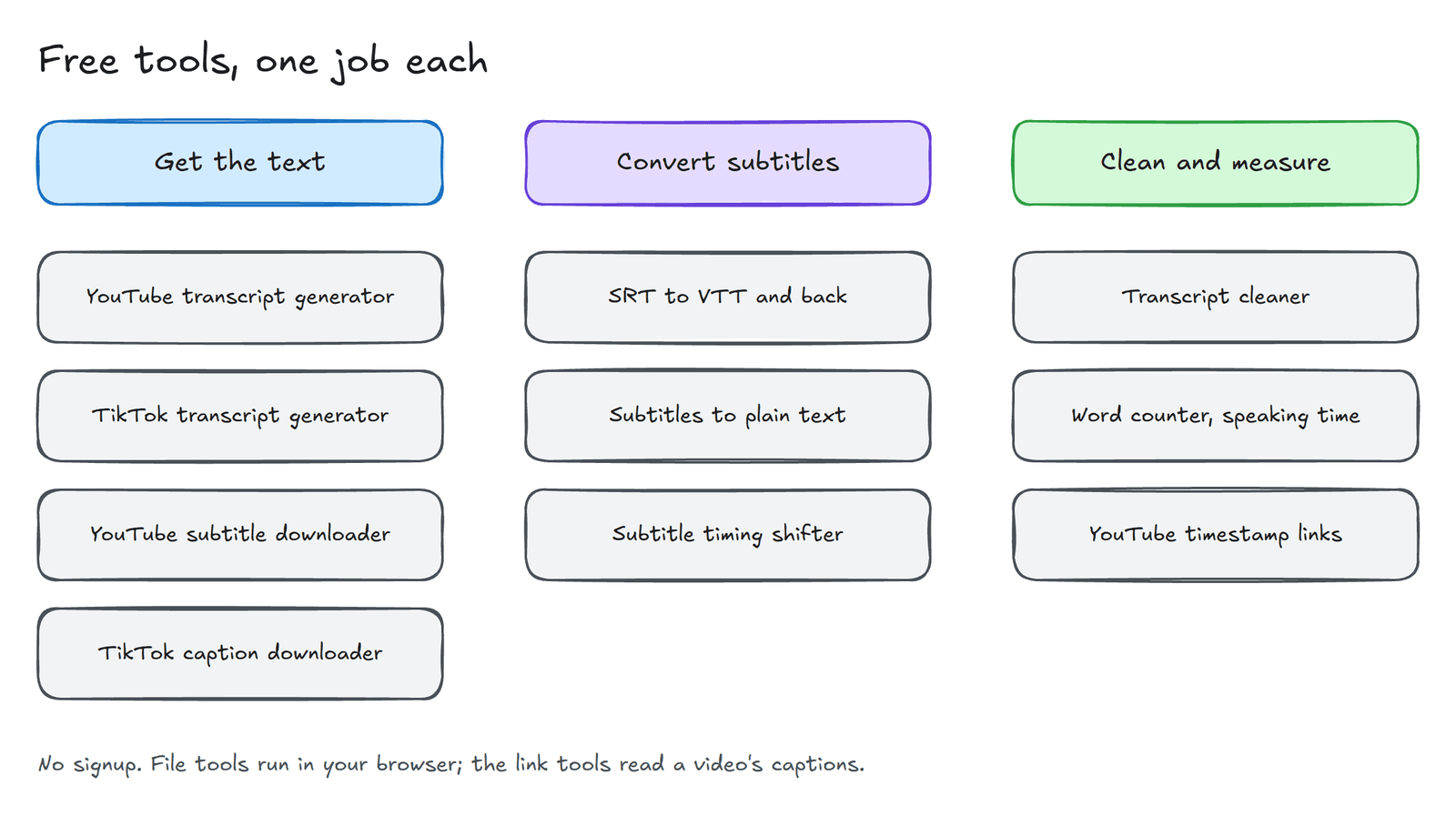
Getting the text out of a video#
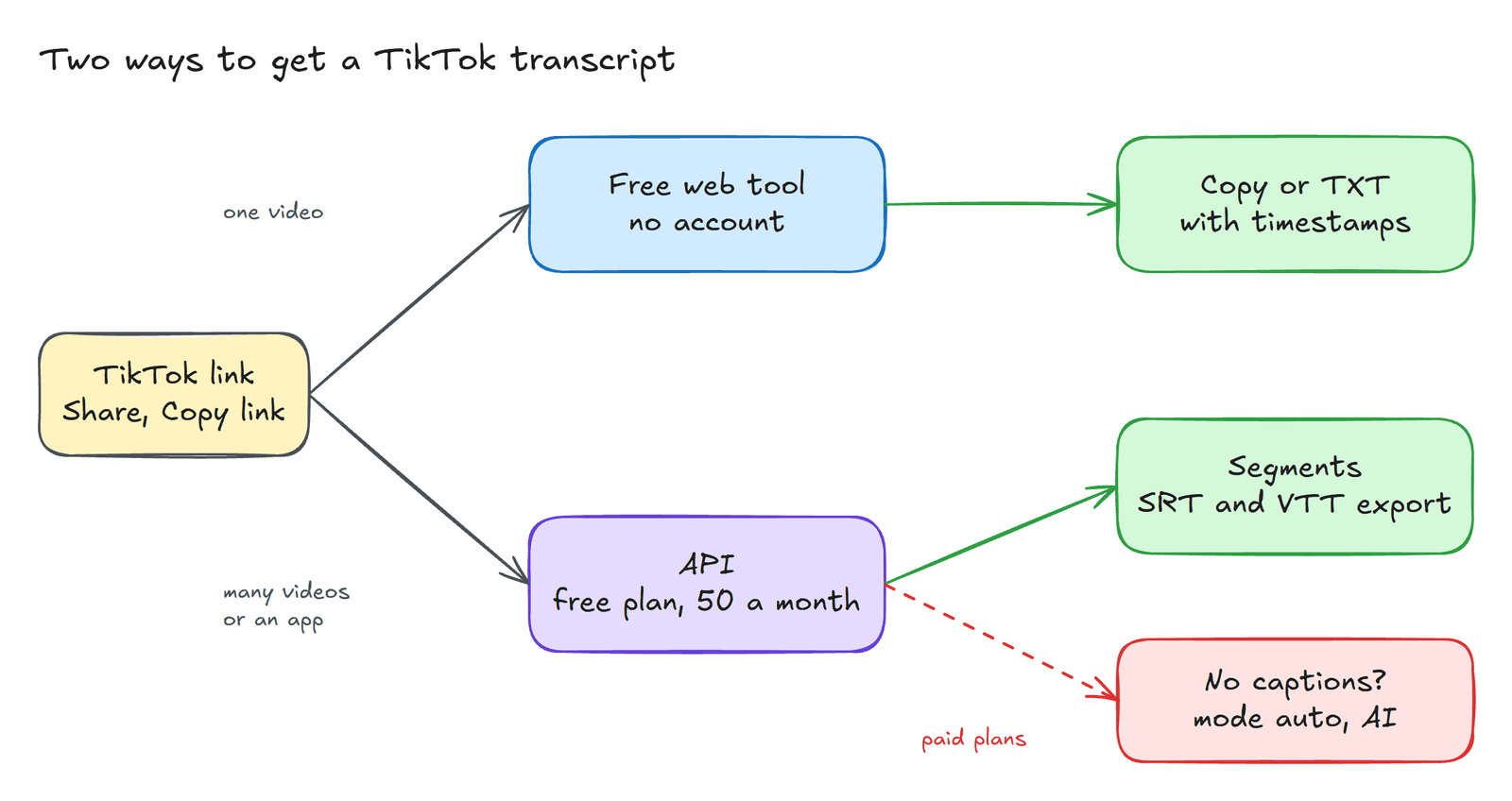
The YouTube transcript generator takes a YouTube link and returns the transcript within a few seconds, with or without timestamps, ready to copy or download as a text file. The TikTok transcript generator does the same for TikTok, and it accepts the short share links that the app produces. When the words are headed for a video editor or a player rather than a document, the YouTube subtitle downloader and the TikTok caption downloader return the same captions as a subtitle file. You can choose SRT, WebVTT or plain text, preview the file, and copy or download it. All four of these tools read the captions that a video already has, and together they allow a few requests a day for each visitor.
Working with subtitle files#
Web players generally expect WebVTT, while editing programs tend to export SRT. The SRT to VTT converter translates between the two in either direction. When what you want is plain prose rather than a subtitle file, Subtitles to text removes the numbering and the timecodes and joins the lines into readable paragraphs. And when the subtitles are consistently early or late, the subtitle timing shifter moves or stretches every timestamp at once, which is a great deal quicker than correcting them line by line.
Cleaning and measuring text#
Automatic captions are full of hesitations, sound tags and repeated lines. The transcript cleaner removes filler words, tags such as [Music], duplicated lines and untidy spacing. The word counter reports words, characters, sentences and unique vocabulary, and it estimates how long the text takes to speak at different paces, which is useful when a script must fit a fixed slot. Finally, the YouTube timestamp link generator produces a link that starts a video at an exact second, together with an embed code that starts at the same place.
When the free tools are not enough#
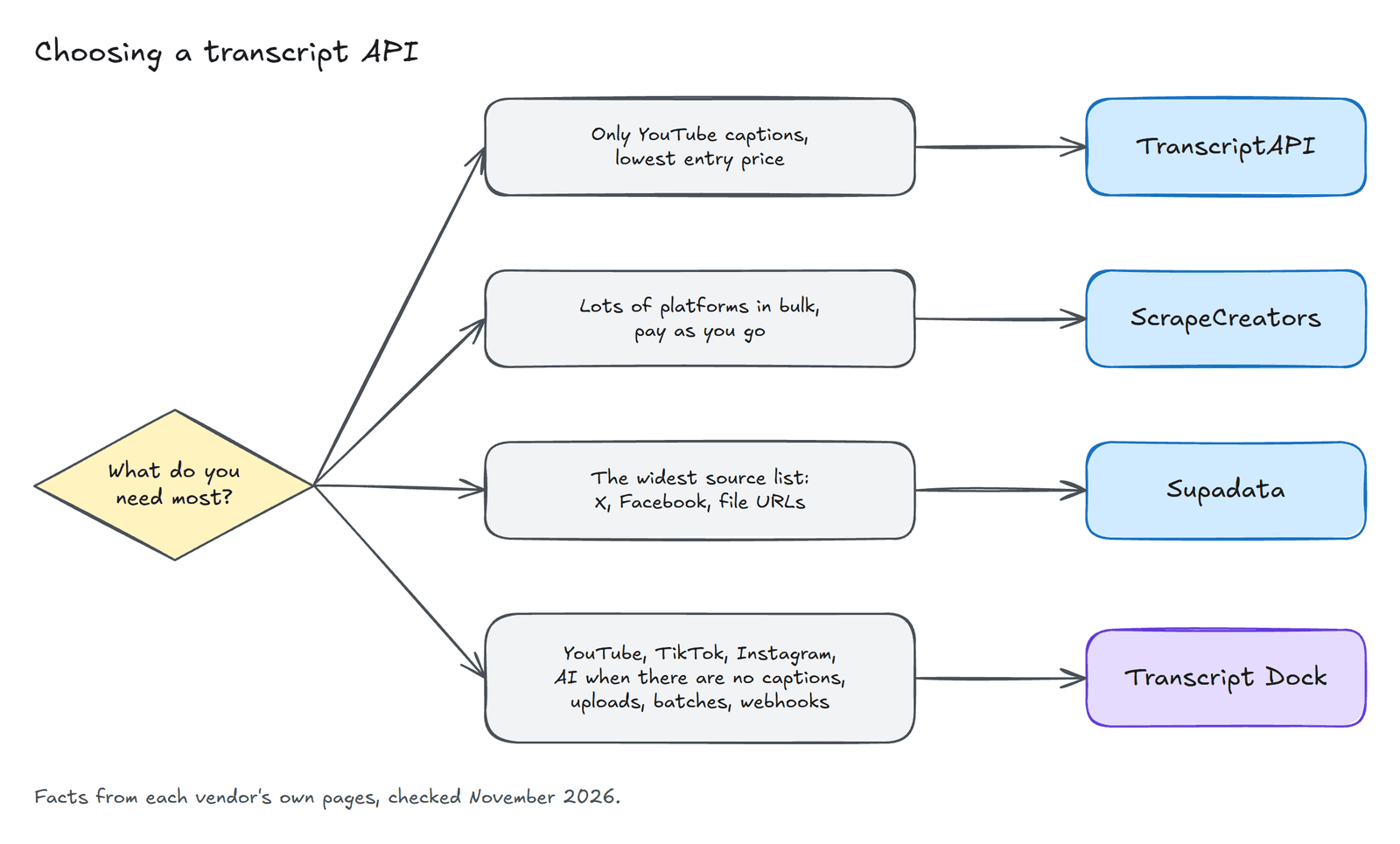
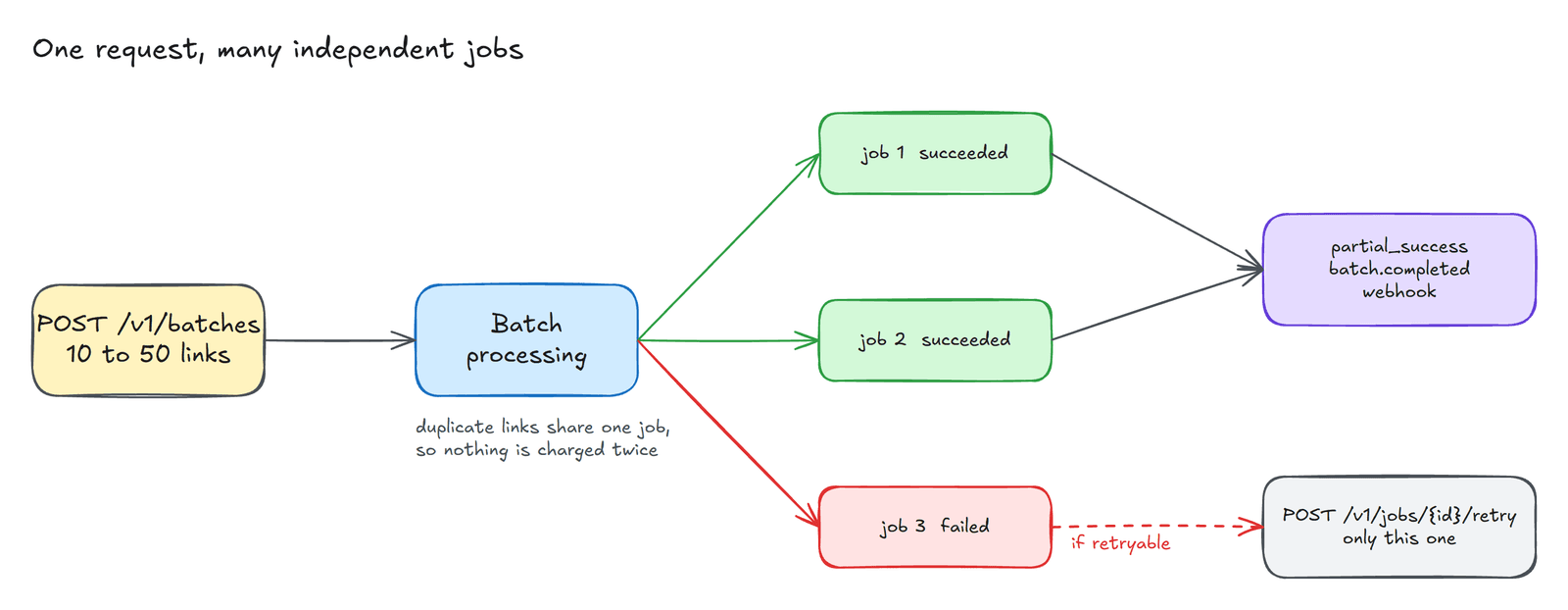
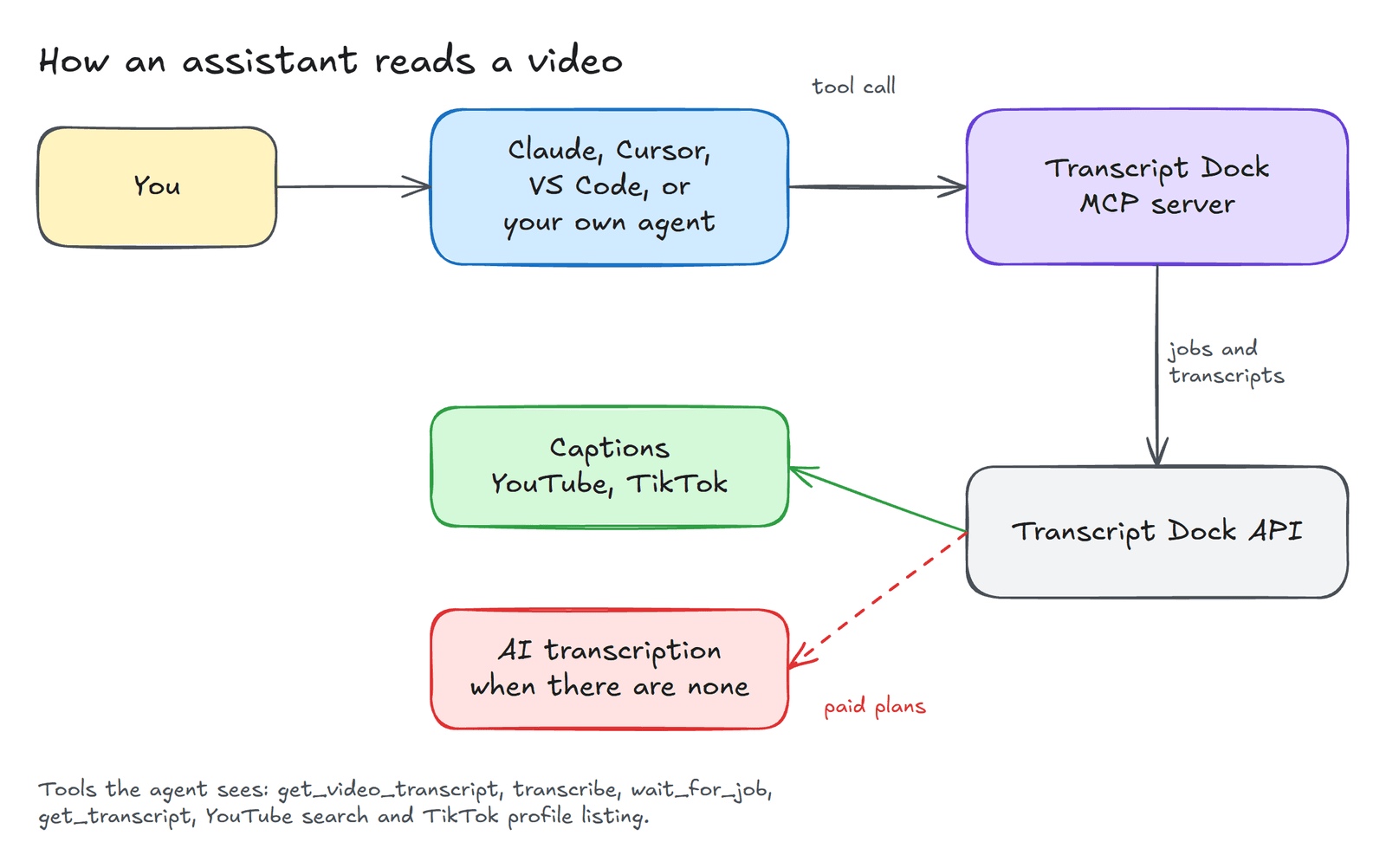
These tools are deliberately small. When you need many videos at once, videos without captions, Instagram reels or your own recordings, the same team runs an API, a batch page and an MCP server for AI assistants. The documentation explains them, and the free plan includes fifty caption transcripts every thirty days.
If there is a small transcript or subtitle job that none of these tools covers, please describe it in the comments. More often than not, the next tool begins with a request of exactly that kind.
Created with the help of AI.