There is a moment in almost every project that touches video when somebody says, quite reasonably, that the hard part is already done because YouTube has captions. It is a comforting thought, and for a demo it is even true. The trouble begins the following week, when the list of videos grows from five to five hundred, when a third of them turn out to have no captions at all, and when the person who asked for the transcripts mentions that they will need them as SRT files for the editor.
This article walks through a small Python program that handles those cases properly. It fetches a transcript from a YouTube link, reads the timed segments, exports a subtitle file, and falls back to speech recognition when a video has no captions. I should say at the outset that I work on Transcript Dock, the API used throughout, so you may weigh my enthusiasm accordingly. Everything here runs on the free plan, which gives you fifty caption transcripts every thirty days without a card, except for the final section on AI transcription, which needs a paid plan.
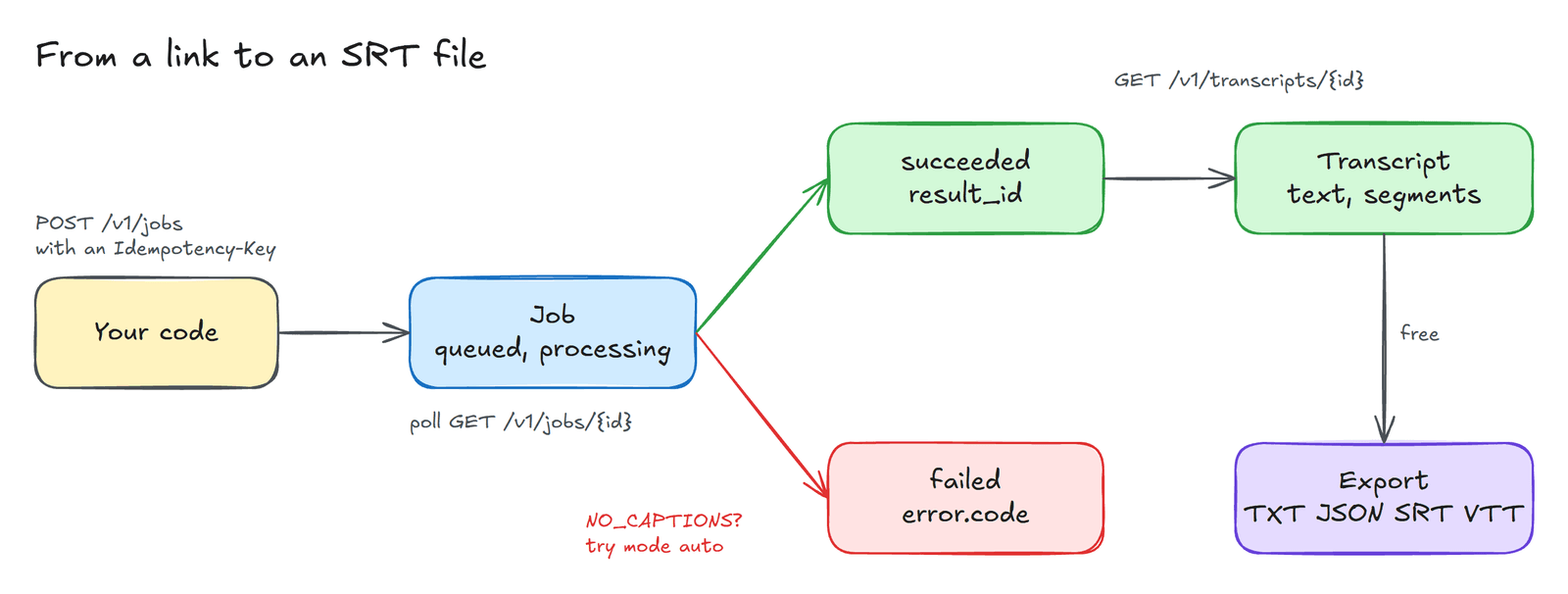
Why a transcript is a job and not a single request#
It would be convenient if a transcript arrived in the response to one HTTP call, and for videos that were fetched before, it more or less does. In general, however, the service has to resolve the link, find the right caption track, and sometimes download audio and send it to a recognition engine. Some of those steps take a fraction of a second and some take a minute. The API therefore treats every request as a job. You submit a link, you receive a job identifier, and you ask about that job until it reaches a final state. The diagram above shows the whole journey, and the code below follows it from left to right.
Setting up#
Sign up at transcriptdock.com, open API keys & webhooks in the dashboard, and create a key. Keys begin with td_live_. It is wise to keep the key out of your source code, so we will read it from an environment variable.
export TRANSCRIPTDOCK_API_KEY="td_live_..."pip install requests
Submitting a job and waiting for it#
The first function does the essential work. It posts the link, reads the job that comes back, and then polls until the job has finished. The server suggests how long to wait before the first poll in a Retry-After header, and we honour it.
import osimport timeimport uuidimport requestsAPI = "https://www.transcriptdock.com/v1"HEADERS = {"Authorization": f"Bearer {os.environ['TRANSCRIPTDOCK_API_KEY']}"}IN_FLIGHT = {"queued", "processing", "awaiting_provider"}def run_job(url: str, mode: str = "captions_only") -> dict:"""Submit a video URL and wait until the job is final."""# A fresh Idempotency-Key per new submission; reuse it when retrying the same request.r = requests.post(f"{API}/jobs", headers={**HEADERS, "Idempotency-Key": str(uuid.uuid4())},json={"source": {"url": url}, "mode": mode}, timeout=30)r.raise_for_status()job = r.json()delay = int(r.headers.get("Retry-After", "2"))while job["status"] in IN_FLIGHT:time.sleep(delay)job = requests.get(f"{API}/jobs/{job['id']}", headers=HEADERS, timeout=30).json()delay = 2return jobjob = run_job("https://www.youtube.com/watch?v=eRsGyueVLvQ")print(job["status"], job["billing"])
The Idempotency-Key header deserves a word of explanation, because the API insists on it and newcomers tend to find it surprising. Networks fail in inconvenient ways. A request can reach the server, start a job, and then lose its response on the way back, so that your program believes nothing happened. If it simply tries again, it may start a second job and pay twice. With an idempotency key the server recognises the repeat and hands back the original job instead. Generate a fresh key for each new submission, and reuse the same key only when you are retrying that exact request.
While the job is running its status is queued, processing or awaiting_provider. When it stops, the status is succeeded, failed or cancelled, and it will not change again. The billing field tells you what the job cost. A caption transcript costs one credit, and if your workspace has fetched the same video before, the API returns the stored result and marks it cached, which costs nothing. When I ran the code above against the open movie Sintel, that is exactly what came back.
Reading the transcript#
A successful job carries a result_id, which identifies the transcript itself.
def get_transcript(job: dict) -> dict:if job["status"] != "succeeded":raise RuntimeError(job["error"])r = requests.get(f"{API}/transcripts/{job['result_id']}", headers=HEADERS, timeout=30)r.raise_for_status()return r.json()t = get_transcript(job)print(t["language"], len(t["segments"]), "segments")for seg in t["segments"][:5]:print(f"{seg['start']:7.2f} {seg['text']}")
The response contains the whole text in one string and, more usefully, a list of segments, each with a start time and an end time in seconds. Those timings are what make a transcript more than a block of prose. They let you build search that jumps to the right moment, divide a long talk into chapters, or feed a language model chunks that it can cite. On Sintel the first lines print as follows.
107.25 This blade has a dark past.111.80 It has shed much innocent blood.118.00 You're a fool for traveling alone, so completely unprepared.
Exporting a subtitle file#
Editors and video players rarely want JSON. They want SRT or WebVTT, and the API will produce either without charging again for the transcript.
srt = requests.get(f"{API}/transcripts/{job['result_id']}/export",params={"format": "srt"}, headers=HEADERS, timeout=30)open("sintel.srt", "w", encoding="utf-8").write(srt.text)
The other formats are txt, json and vtt. The file this produced has the sequence numbers, the arrow between timings and the comma before the milliseconds that the SRT format requires, which is more than can be said for many hand rolled exporters.
When a video has no captions#
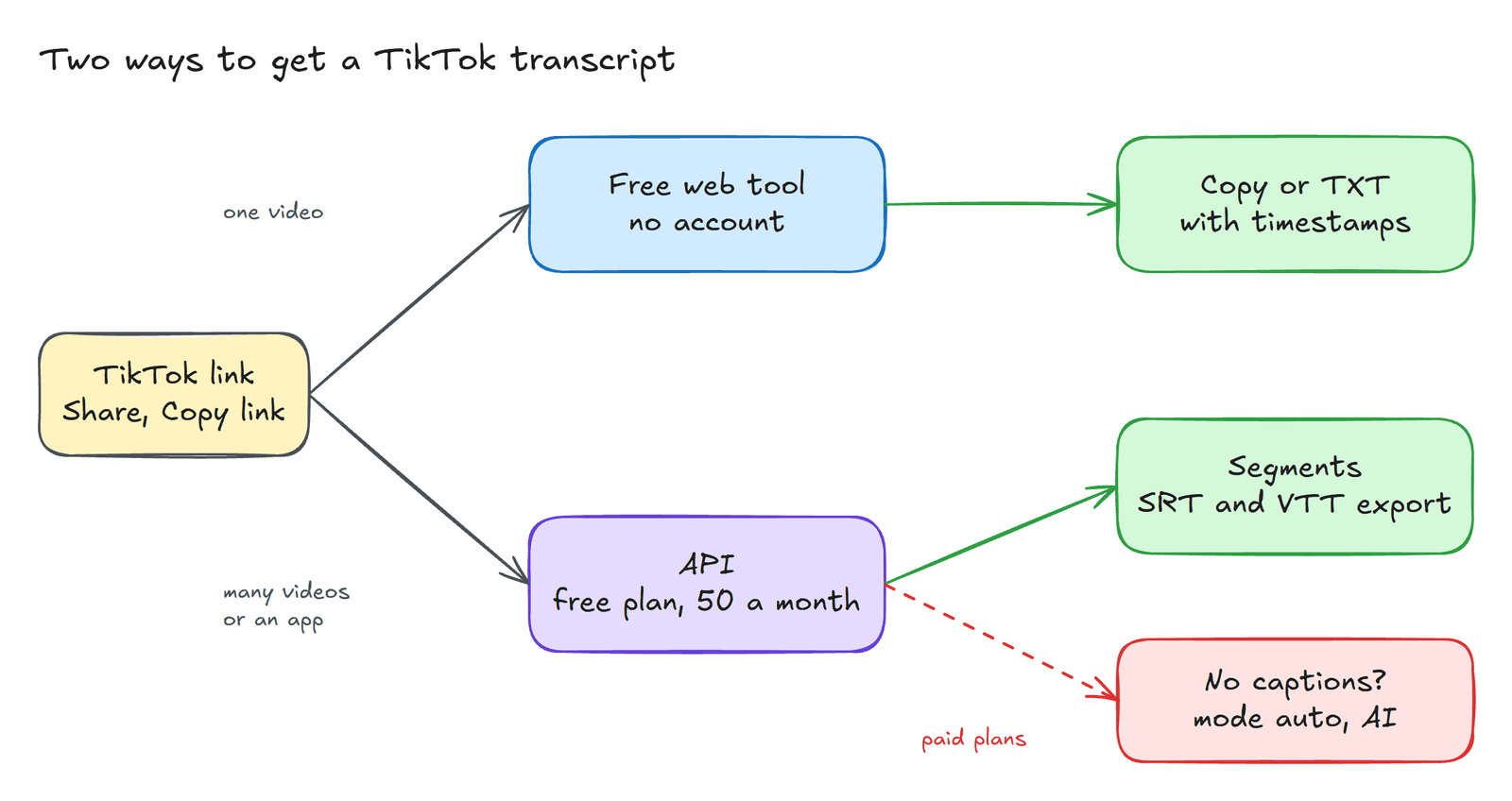
Sooner or later you will meet a video with no caption track at all. Music videos, voiceover clips and many short social videos are the usual culprits. With captions_only such a job fails with the code NO_CAPTIONS, which is honest but not very helpful. If you change the mode to auto, the service uses captions when they exist and transcribes the audio when they do not.
job = run_job("https://www.tiktok.com/@nasa/video/7695090484124929293", mode="auto")if job["status"] == "failed":print(job["error"]["code"], job["error"]["message"])else:print(get_transcript(job)["text"][:300])
AI transcription is charged by the minute of audio, at two credits for each minute or part of a minute, with a minimum of one minute. It is available on the paid plans; on the free plan the submission is refused with a 402 status and the code PLAN_REQUIRED, which is precisely what happened when I ran this example on a free account. If you worry about a long video quietly eating your balance, pass max_credits with the request. A job whose cost would exceed that ceiling fails with BUDGET_EXCEEDED before any audio is processed, and a failed job is never charged.
The errors worth handling#
Most failures fall into a handful of familiar categories, and it pays to treat them differently rather than retrying everything blindly.
| Code | What it means | What to do |
|---|---|---|
NO_CAPTIONS | No caption track and the mode was captions_only | Submit again with mode: "auto" |
SOURCE_PRIVATE | A private or members only video | Skip it |
RATE_LIMITED | Too many requests in a short time | Wait for the period in Retry-After |
INSUFFICIENT_BALANCE | No credits left | Top up, or wait for the monthly free credits |
Every failed job also carries error.retryable, which tells you whether trying again could possibly help. The complete list lives in the error reference.
If you only need one transcript#
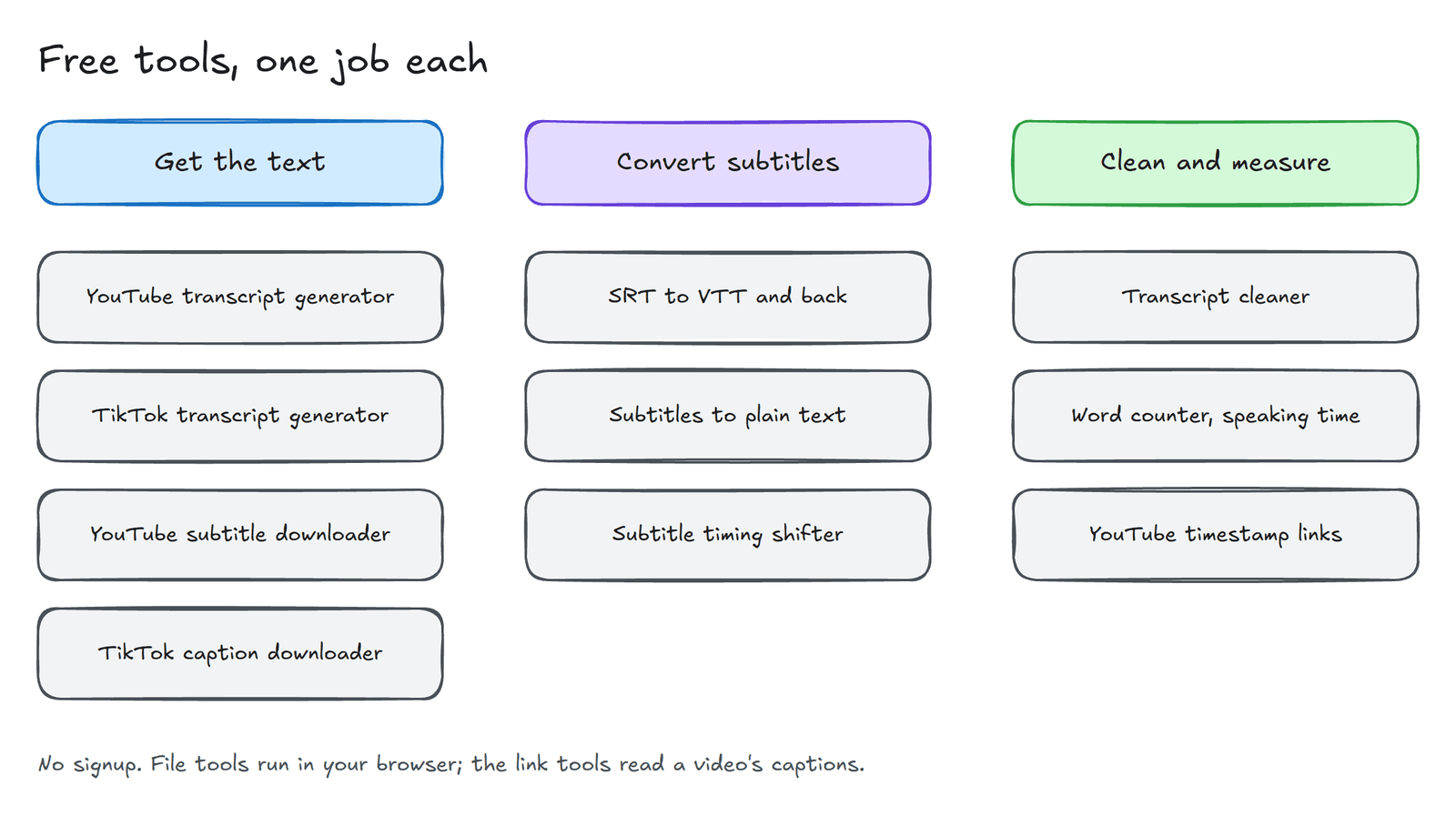
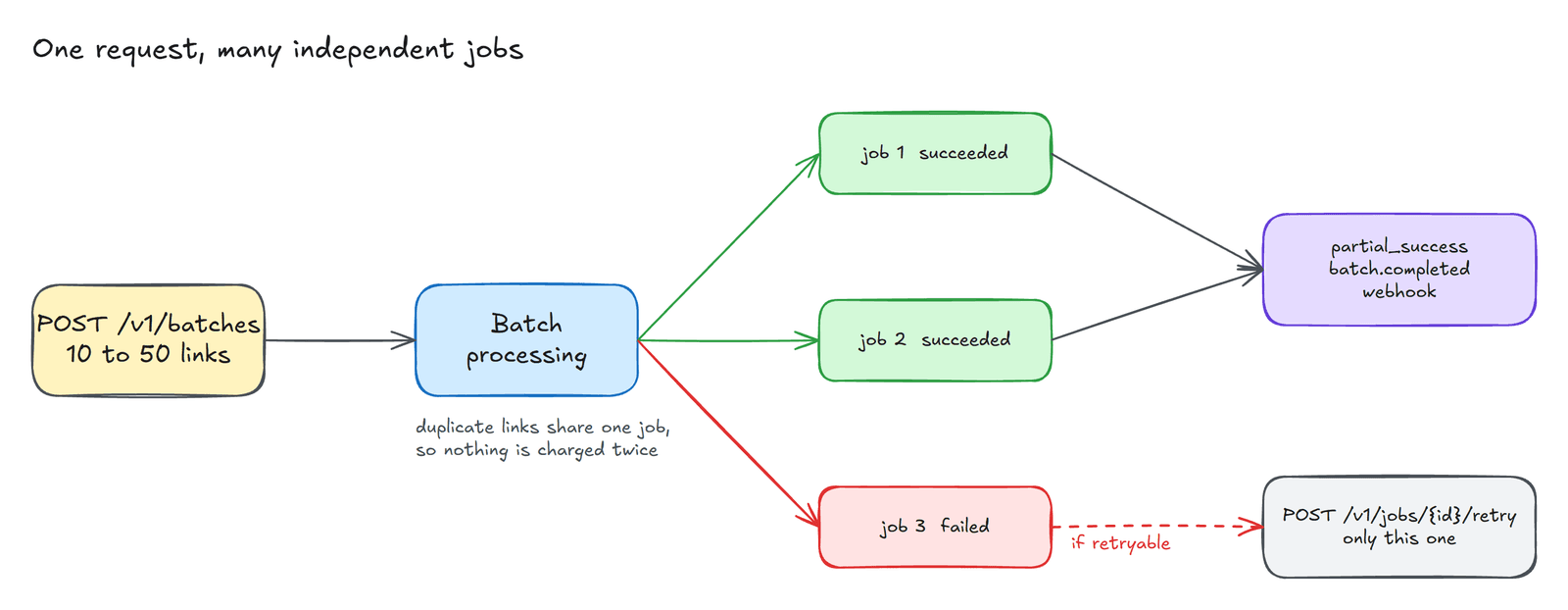
Not every problem deserves a program. If you simply want the words from one video, the free YouTube transcript generator does the same work in the browser without an account. For everything else, the quickstart and the OpenAPI specification describe the full API, including batches, webhooks and file uploads, which are the subject of a later article in this series.
Created with the help of AI.